Thank you. Please consider creating a dedicated thread so other forum members can benefit from this information. Much appreciated.
Does the doc file does need to be with Mandala Manager to continue working after it has been activated?
Will this work with MMv2 and Time breaker?
Yes, the doc file is actually your mandala. Whatever is in it-what you wrote is getting worked on, so yes, put it in the Digital Mandala Manager.
2 Likes
Hey vega, can I change the doc file type? Cause I cannot read the two docs, or are they empty?  and simply put the text document files into the mmv2 folder? Thank you
-
The 2 DOCX files contain a stationery page programmed with the Reality Field.
-
Purpose: Write clearly what you want to achieve directly on this page.
Steps:
-
Play the audio (short or 1H version).
-
Open the DOCX page (or print it).
-
Write your intention clearly and specifically
- Describe real traits, situations, behaviors (not vague ideas).
-
When ready, say: ACTIVATE
-
Repeat listening to reinforce the effect.
To change your intention:
-
Say CANCEL
-
Delete what you wrote
-
Write a new intention
-
Say ACTIVATE again
Audio use:
-
You can listen throughout the day
-
Or play on loop at night to reinforce the effect
Important:
-
Be specific and concrete
-
Take your time while writing
-
The clearer the intention, the better the result
How to keep the page:
-
If printed → keep it with you
-
If digital → place it in the Digital Mandala Manager (Maitreya Fields)
1 Like
Thank you wendy 
1 Like
You can’t open the files? What format works for you? They are not empty, there is a decorative border and background and they are energetically programmed to act as digital mandala and work on what you wrote. They are docx files so that you can type on them on the computer if you want and when ready to put them in your Digital Mandala Manager. Alternatively you can write on them manually and keep them close to you-in the same room.
Is there someone else who has issues opening the docx files?
2 Likes
Dear Vega, When I opened and printed it out the doc files are empty.
2 Likes
Yes exactly, the description file was full with text. I used it on aandroid, will check it tomorrow on computer. In the word app it said I have to upgrade the file to write in it. Not sure which type would work
I couldn’t open it on my android properly, the docs app treated everything as a watermark and removed it. When I opened on my desktop, I could see the border -blue, gold and beige. There is something off about the border though. It might be a scale issue, not sure. I am going to DM you @Vega the doc I see on my end.
1 Like
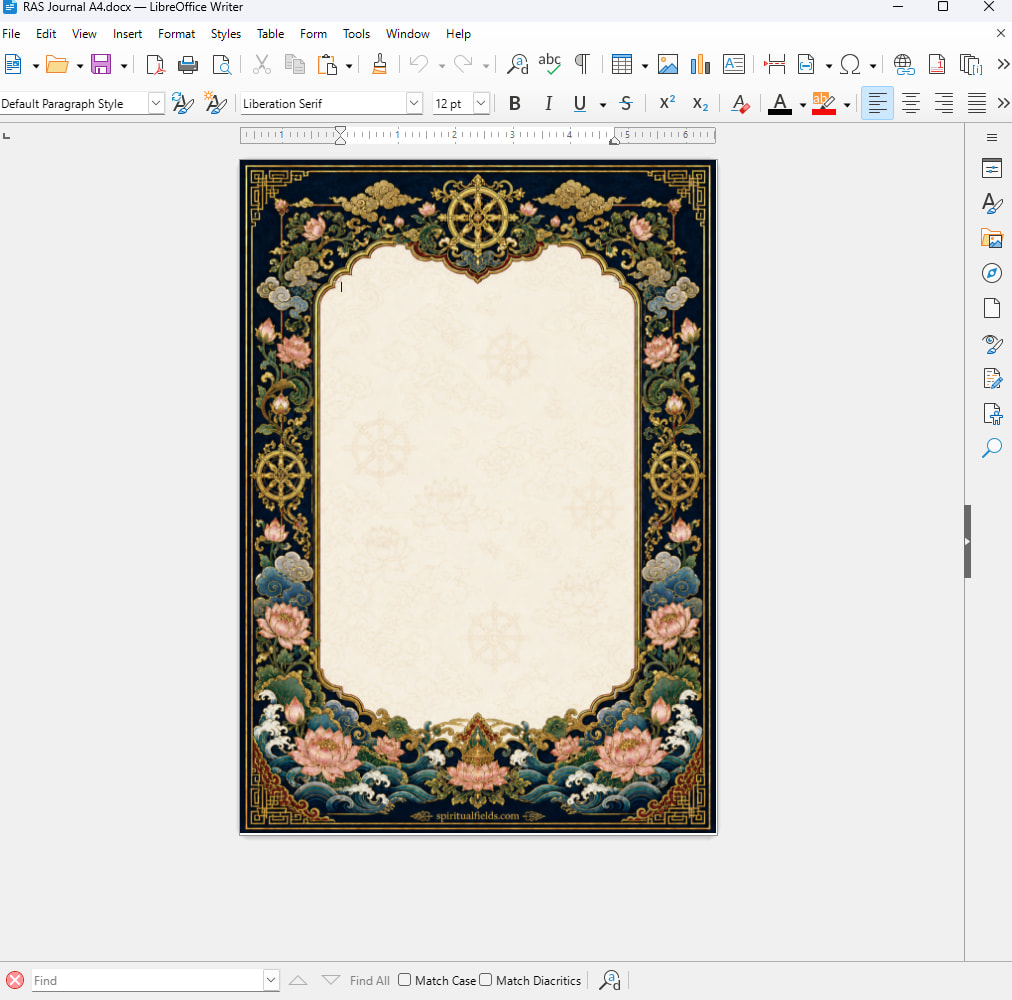
I opened it, it works for me. This is how they are supposed to look like-This is a screenshot from my computer, I use LibreOffice. What is happening with yours, can you screenshot it? What format do you use for documents? doc, docx or something else?
2 Likes
I use LibreOffice as well. Sent you the screenshot in PM. I see only empty doc in my computer and not opening in my android.
1 Like
This is a background for the page, created through word, so yes, it probably is treated as a watermark. On a computer it should open properly. Please make a screenshot when you can.
1 Like
The one I sent you was the image of the doc I opened on my desktop, it’s Microsoft office. I do not see the full border, only section of it. I played around with scale, but the full border did not come up.
On Libre Office viewer it comes up correctly.
For me odt file worked like a charm in my computer. Thanks.
1 Like
I can highly recommend to pair this field with Maitreya’s Mystery Box field!
Even when I miss the signs from the Mystery Box, the RAS field seems to push me to remember the video / post etc. and makes me realize how it is connected to my manifestation goal.
A few days ago I was procrastinating and watching YouTube. The guy in the video was talking about how a character from a story was banishing a demon by using its real name.
Immediately I remembered the Names for Soul Contract Revocation post.
In less than 5 minutes I figured out that I must revoke all contracts with a specific archon. After saying the revocation phrase I had a strong clearing experience.
The next day, when I actively worked with the Release from Archonic Control field, I could sense that it was only clearing etheric constructs / implants and not working on removing entity attachments like before.

3 Likes
Hey friends how is it going with this one for you? Do you want to share your approaches for inspiring purposes?
Finally, after having this field without use since it came out, I now have something specific, until reality mirrors my actual set sum of money, I will play with affiliate marketing on social media. It must be easy as f*ck to make money this way.
My approach for the field will be to find me the most viral and valuable products for affiliatemarketing on amazon and to find the easiest way to create beautiful, catchy content on pinterest to draw in buyers.
How would you set these specific goals? Any inspirations gratefully wanted
1 Like
I know a lot of people make money this way, but I was really surprised when we were working on our cosmetics project. We found out that many influencers who are part of TikTok Affiliate earn enormous amounts of money through the program. Even creators with relatively small followings were making thousands.
For example, one woman we wanted to collaborate with had around 50,000 followers, which, from what I understand, isn’t that difficult to achieve on TikTok. She was earning around £200,000 per month (TikTok Affiliate actually shows these earnings for each individual influencer in the system). Her channel was focused on showcasing, reviewing, and promoting beauty products.
On top of her affiliate earnings, she wanted us to pay her an additional £3,000 just to feature our products.  Of course, we didn’t have that kind of advertising budget for a single video, but I’m sure many of these creators make money this way, with larger companies paying them a fixed sponsorship fee as well as a percentage of the sales they generate.
1 Like
It’s crazy right
When I’m honest, I would really love to affiliate your products on pinterest, as this wouldn’t only bring money but has meaning to me. As the Program came out I had a try and stopped very soon with the affiliate program. Now I feel much more powerful and it also feels much more possible.
I mean there are man, products, but nothing speaks more to me than fields
1 Like