Dear Mai, one more search option to show only the non owned fields
Hello,
Edit: only 1 paid field didn’t make it.
Rest is free fields.
Free fields are not migrated; you should re-download them.
If there are paid - send me which ones are they + the email that you purchased them with from maitreyastore.com (not Gumroad)
1 Like
Please consider uploading the fields currently available on Instagram and Facebook, such as 5G & 6G Protection and others, to the Free Fields collection so they can all be easily accessed in one place.
Here are a few examples:
1 Like
Additional Issues Identified Under “My Purchases”:
-
Missing Product Images: Some orders migrated from the old website are missing their associated product images. Even when a single order contains multiple products, the system typically displays an image of one of them.
-
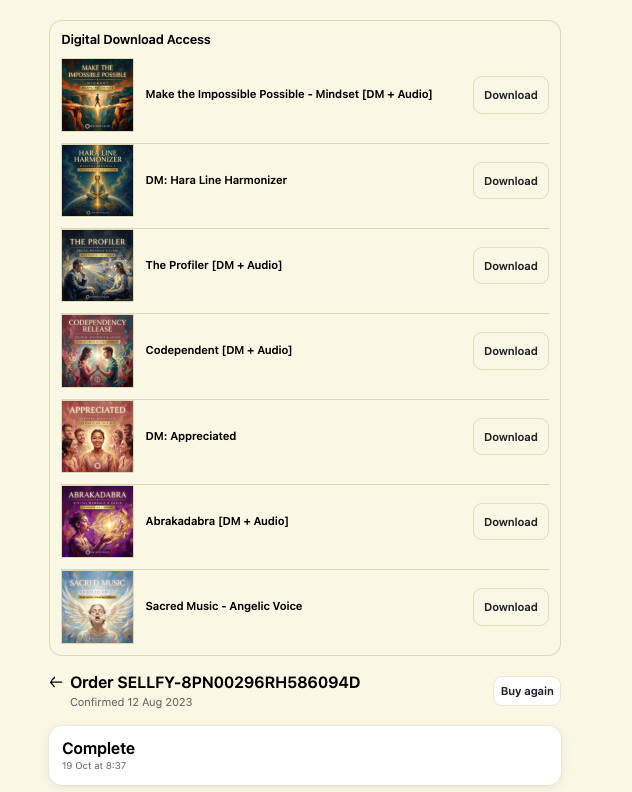
Order SELLFY-8PN00296RH586094D: This order is displayed as “Body Hair Removal”, but its product image is missing. Additionally, when opening the order, none of the content is related to Body Hair Removal. Instead, it contains multiple unrelated products/orders.

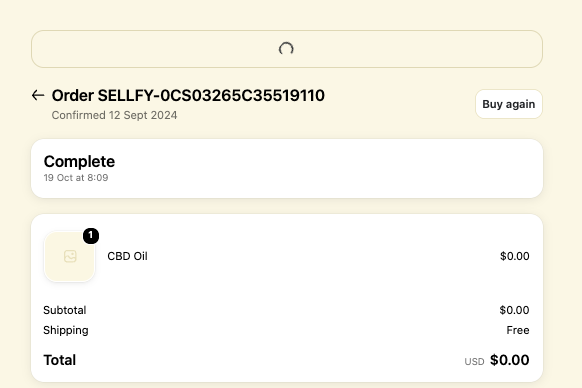
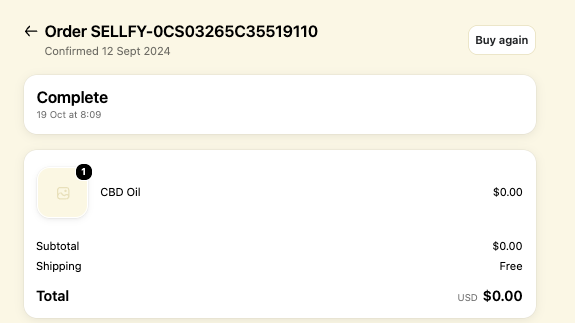
- Order SELLFY-0CS03265C35519110: This order is displayed as “CBD Oil”, but its product image is missing. When opening the order, no downloadable content is displayed, and the loading process eventually times out.

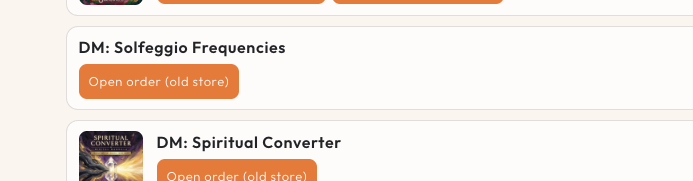
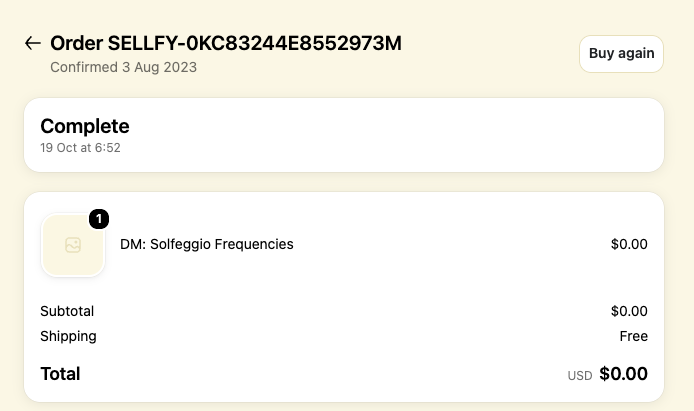
- Order SELLFY-0KC83244E8552973M: This order has the same issue as the previous one. It should contain Solfeggio Frequencies content, but the associated image is missing, and the downloadable content fails to load, eventually resulting in a timeout.
1 Like
-
Incorrect Product Categorization: The Send It to the Light product is an Environmental field, but it is not currently associated with the Environmental Fields category. Please review the product categorization across the store to identify and correct any missing or incorrect category assignments.
-
UX Improvement Suggestion: Please consider displaying the associated product categories as visible tags directly on each product’s page, allowing users to easily identify which categories a product belongs to and navigate to related products.
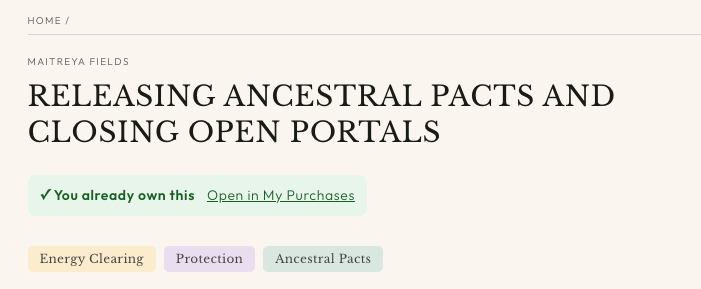
For example, the Closing Portals product belongs to the Ancestral Clearing category, but there is currently no category tag or indication displayed on the product page itself. Additionally, please consider making these category tags clickable, allowing users to navigate directly to the corresponding category page and browse all associated products. This would improve navigation, product discoverability, and the overall user experience.
Ideally, all relevant category tags should be visible and clickable, providing a more intuitive browsing experience and improving product discoverability.
1 Like
When I click All fields, the new ph balance field is not showing. I went to all 28 pages and it was not showing, whereas when I search I saw this field. I think all fields are not displayed when I click show all fields.
Will check 
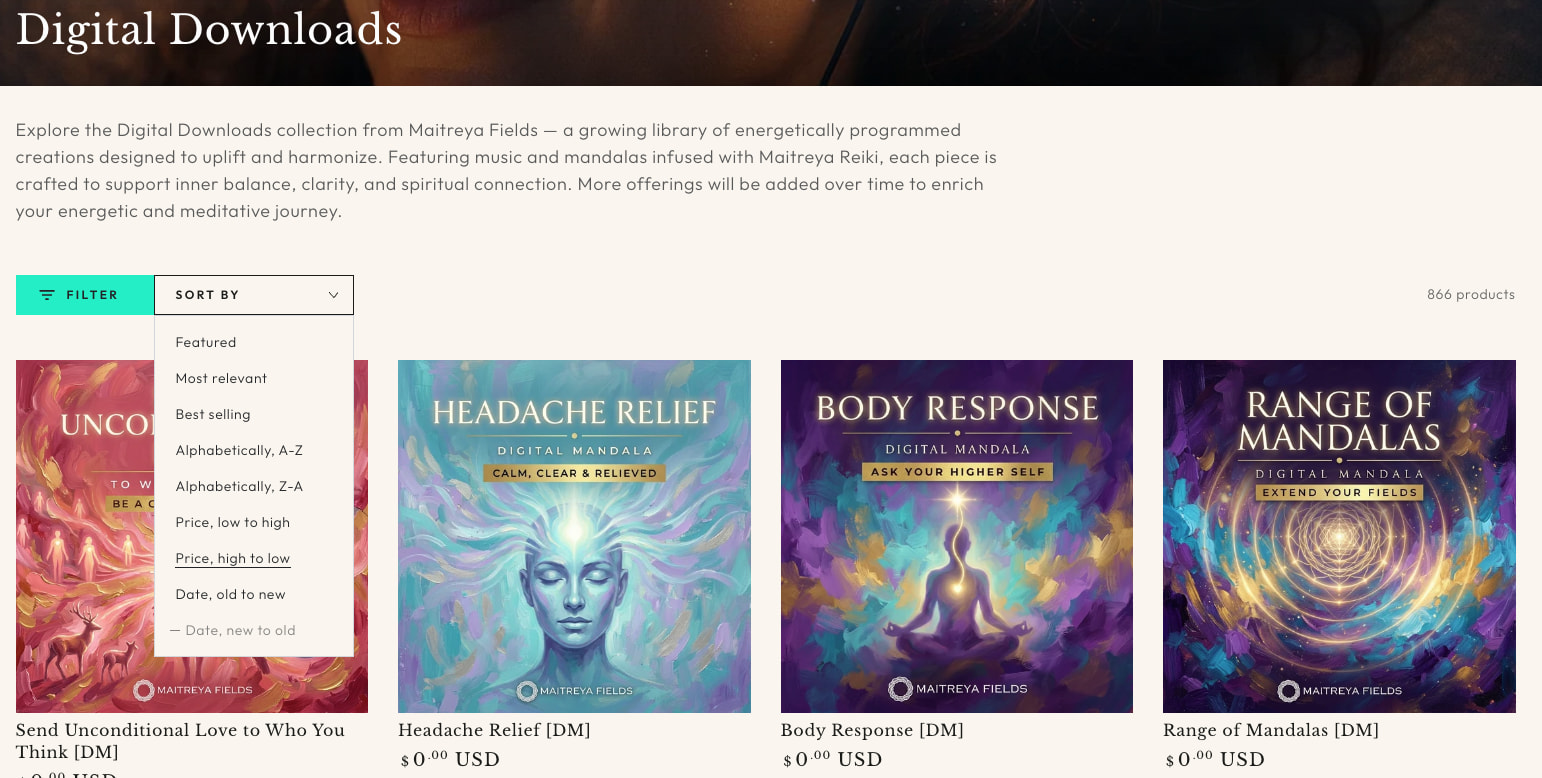
I selected “Date, new to old” under the “Sort by” filter and expected the newly released pH Harmony field to appear at the top of the results as the most recent product. However, it doesn’t appear anywhere on the first page.
Of course, I can find it using the search function, but my point is specifically about the sorting functionality. Sorting products from newest to oldest is a common and intuitive way to discover the latest releases, just as Gumroad displays products by default, with the newest releases appearing first.
1 Like
It must be fixed now.
2 Likes
Because these products are deleted are won’t be offered anymore.
3 Likes
Yes it is fixed.
1 Like
Thank you for both suggestions, they are done now!
1. Product categories: I went through all the fields in the store and fixed the missing category assignments. Send It to the Light is now in Environmental (and in Protection & Energy Clearing), and every field now belongs to at least one category.
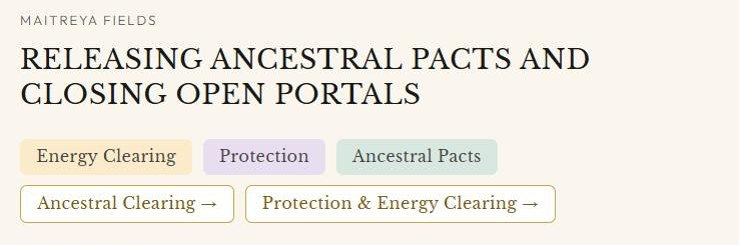
2. Clickable category tags: every product page now shows the product’s categories as clickable tags under the title, next to the existing tags. Click one and it opens that category, so you can browse all related fields. Example: Closing Portals
4 Likes
The lives on the YT channel are pretty cool! Didn’t notice them before.
5 Likes
the same here
3 Likes
They are from today 
4 Likes
Thus proven that I am a Maitreya Fields groupie. 
7 Likes
Dear Mai, can we please have mandala for this 24/7 live Multidimensional Luck Increase. Thanks.
1 Like
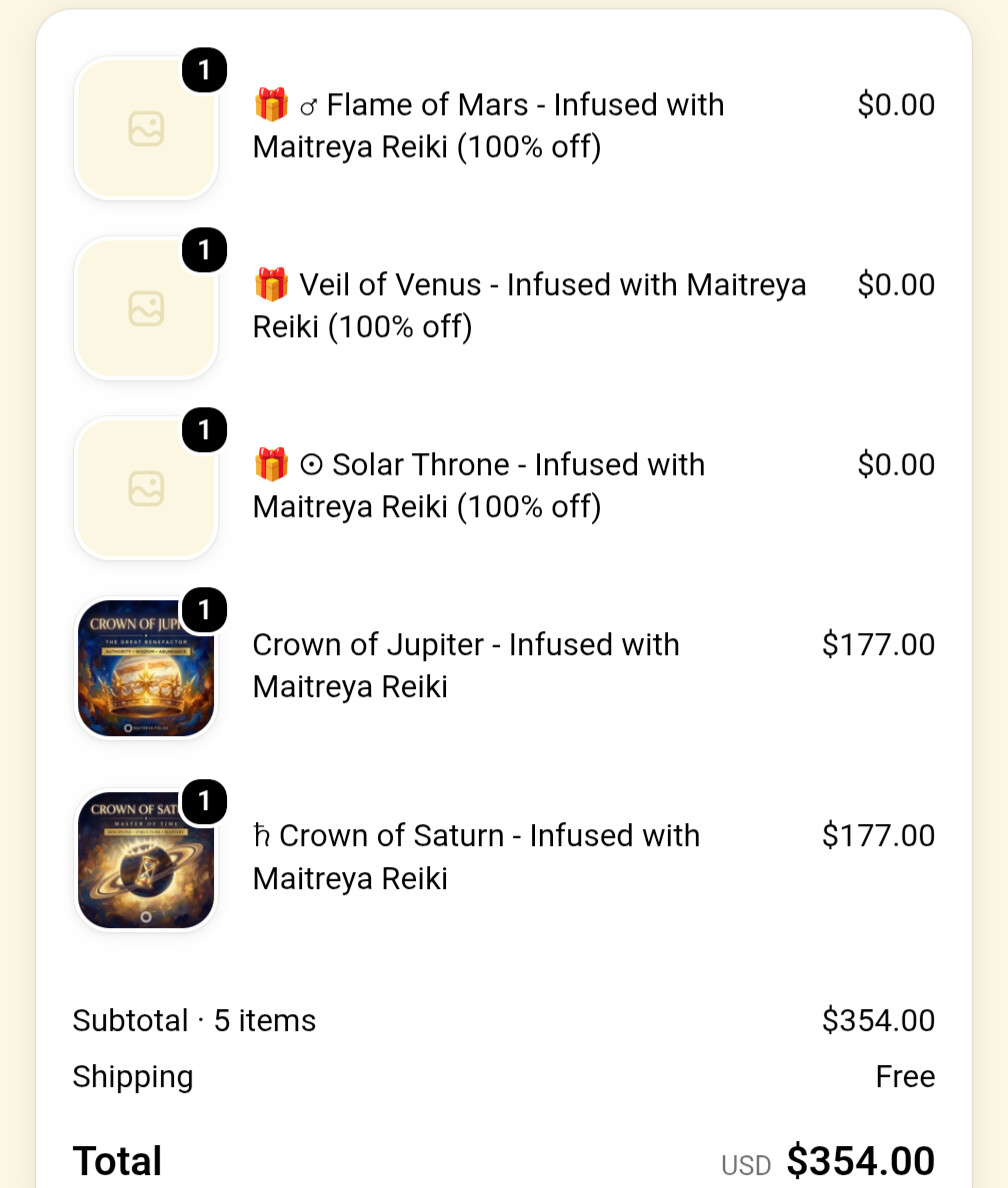
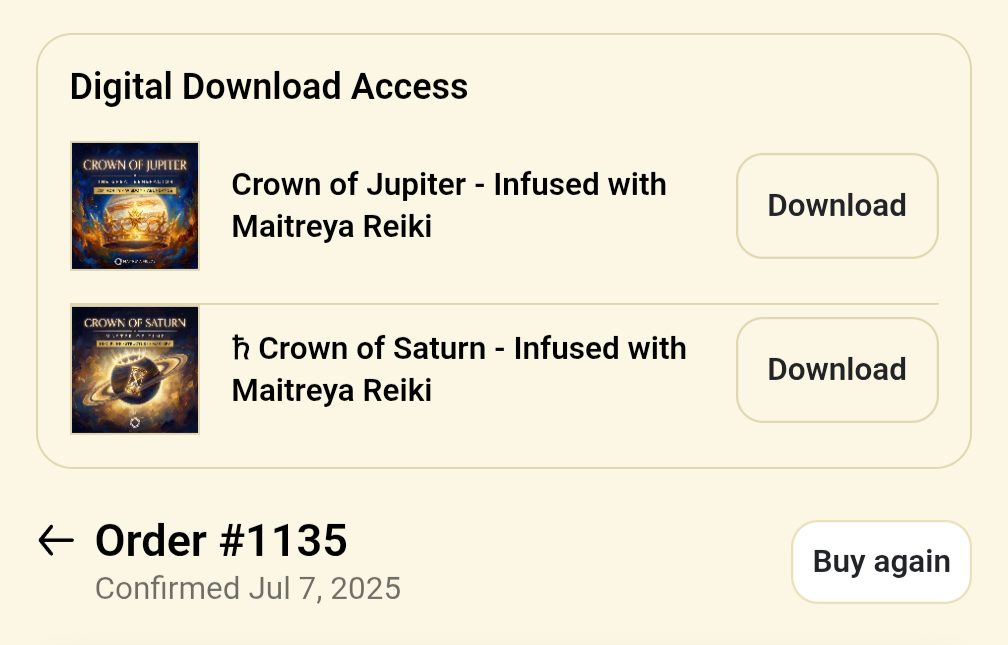
Certain planetary fields, that was free with purchases are not showing up as “owned”. They also don’t have downloads enabled.
Here is one such sample- #1135
1 Like
Hi, please check after 1 hour - they should be fixed and working 
1 Like