Hello, dear community! 
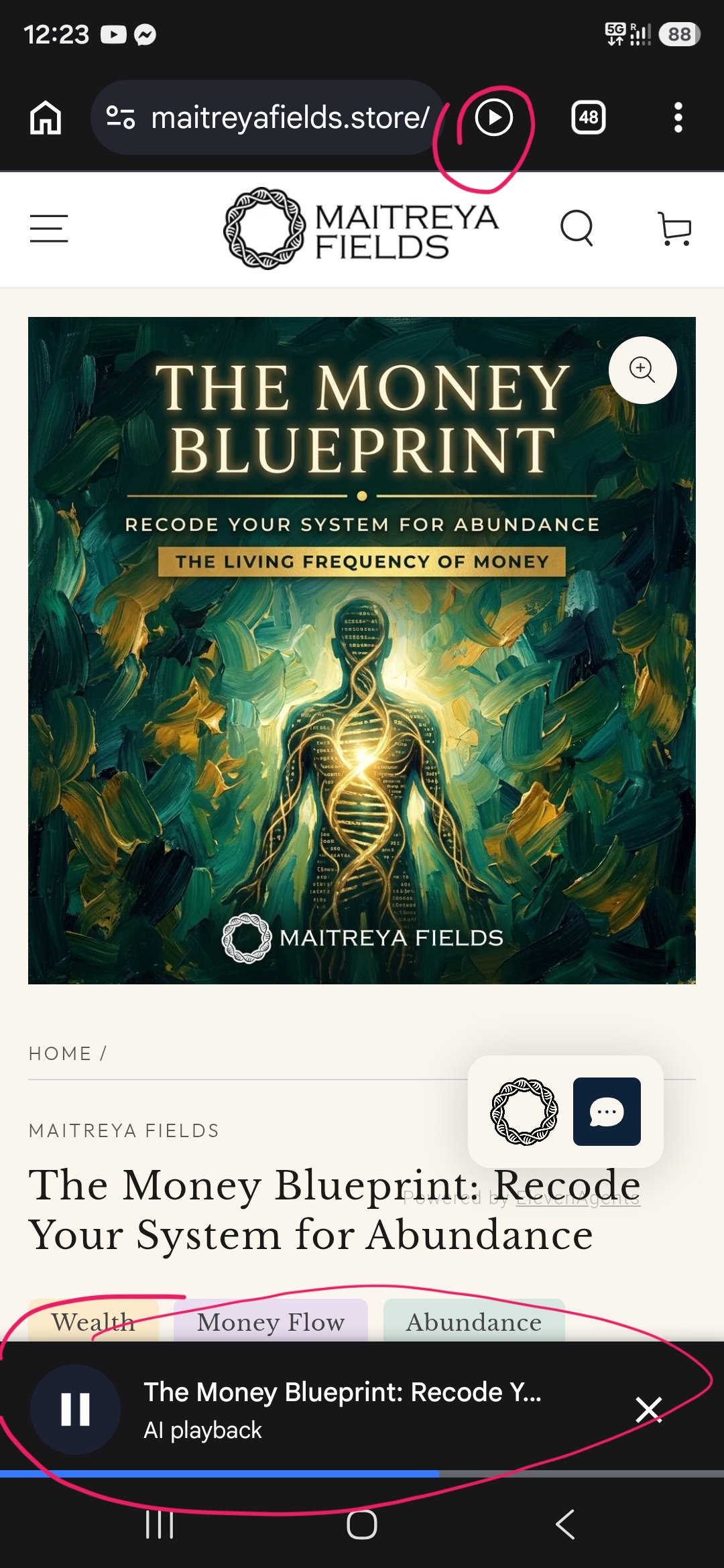
We’re happy to introduce something new: the Maitreya Fields Store Assistant, an AI chat helper that can help you to choose your field, https://maitreyafields.store
How to find it
Look for the small spiral logo in the bottom-right corner of the store. On mobile it sits just above the bottom bar. Tap it and the chat opens.
What you can ask it
- What you’d like to work on. Tell it in your own words: money, love, protection, body, mind, home, business, or anything else. It will suggest the fields that fit, with clickable links and an Add to cart button so you can go straight to them.
- How to listen to the fields. Speakers, headphones or low volume are all fine. Just never fully muted; keep the volume at least around 4–5%.
- Your orders and downloads. Where to find your files, how to access them, and similar questions.
- Anything about the store. It knows all of the energetically programmed fields in the store, so feel free to ask about any of them, compare them, or ask where to start.
- Not quite what you were looking for? Just ask again or rephrase your question. When asked a second time, the assistant digs deeper into the store and often finds an even better match.
If the assistant can’t solve something for you, write to us at support@maitreyafields.com and we’ll help.
It keeps learning
The assistant is still being trained, and it will keep getting smarter with time. Your questions and feedback in the chat help us see what it needs to learn next.
Share your feedback with the assistant
You can tell the assistant any feedback and suggestions directly in the chat. We read the conversations, so everything you write reaches us. For example:
- ideas for new fields you’d love to see
- problems or wishes for the forum
- anything about the store or the assistant (an answer that wasn’t helpful, something it didn’t know, something you loved)
- or anything else on your mind
Thank you for being part of this community. 
With love,
Maitreya & the Maitreya Fields team